
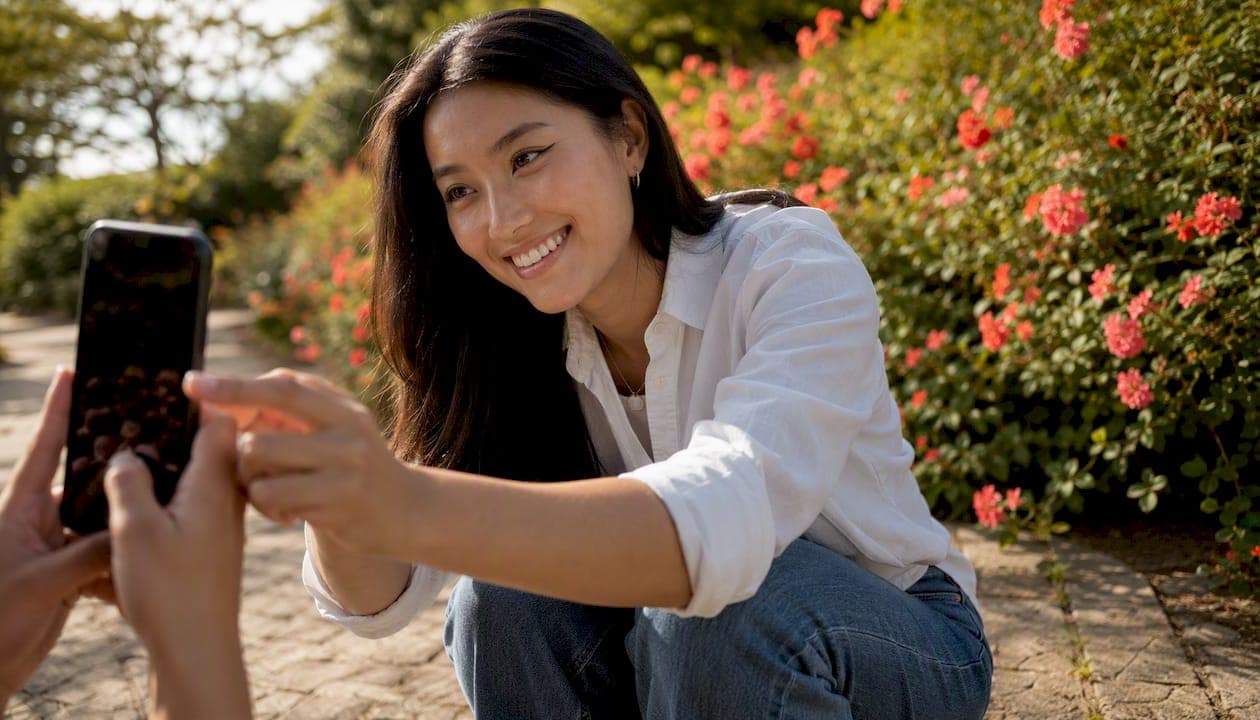
Yes, used carefully, AI dating photos can meaningfully increase your match rate. The key word is "carefully." Here is what to do right now:
- Check your current photos first. Before generating anything new, know which of your existing shots are working and which are dragging your profile down.
- Use AI to enhance, not reinvent. Better lighting, a cleaner background, a sharper expression — that is where AI adds real value. Swapping your face for a more attractive version is where it goes wrong.
- Run a proper test. Swap one photo at a time, wait at least four weeks, and track your match rate before drawing conclusions.
A short note on honesty: the goal is to look like the best version of yourself, not a different person. Anyone you meet in real life will see the real you within seconds. If your AI photos look nothing like you, you are setting up every first date to start with disappointment.
For a privacy-first way to find out which of your photos are actually strongest, DoubleMyMatches scores your photos on lighting, expression, and composition, then discards them. No training on your images, no data stored.
Table of Contents
- What do real experiments say about AI dating photos and match rates?
- How to create AI dating photos that actually perform
- What does a strong six-photo dating profile look like?
- Ethics, platform rules and privacy guidance for UK users
- How can you tell if a dating profile photo is AI-generated?
- How to A/B test AI photos and measure whether they helped
- Who should be cautious about using AI dating photos?
- How DoubleMyMatches tests and scores your photos
- Key takeaways
- The case for cautious enhancement over reinvention
- Useful sources
What do real experiments say about AI dating photos and match rates?
The evidence is genuinely encouraging, although it comes with important caveats.
Research consistently shows that your lead photo does more work than the rest of your profile combined. Swapping a weak primary image for a well-lit, direct-eye-contact shot can change match rates by hundreds of percent in platform studies. That is not a marginal gain — it is the single highest-leverage change you can make.
First-person experiments back this up. One widely shared Mashable experiment found that AI-generated photos became the most-liked images on a Hinge profile by a clear margin, outperforming candid and even professional shots. A
documented one user gaining 100 matches after switching to AI photos. Both are single-case anecdotes, not controlled trials, but the pattern holds across dozens of similar reports.What the experiments rarely control for: timing (algorithm boosts new profiles), bio changes made at the same time, regional differences in user density, and the simple novelty effect of a refreshed profile. A profile that looks newly active often gets a short-term visibility bump regardless of photo quality. That means dramatic short-term gains can fade, and a four-week minimum test window is needed to establish reliable results.
Studies on facial expression and eye contact confirm that direct gaze and a genuine smile increase perceived trustworthiness and attractiveness. AI tools that improve lighting and sharpness can make these features more visible, which is the legitimate mechanism behind the match-rate gains.
How to create AI dating photos that actually perform
The quality of what you put in determines the quality of what comes out. Starting with weak source photos produces weak AI results, however good the tool.
Choose your source photos carefully
Gather at least 10–20 recent photos of yourself taken in the last 12 months. You want variety: different outfits, different settings, different expressions. Include some taken in natural daylight near a window, since these give AI tools the clearest facial data to work with. Avoid heavily filtered shots, group photos where your face is small, or anything where you are wearing sunglasses or a hat. The AI needs a clear, unobstructed view of your face from multiple angles.
The generation workflow
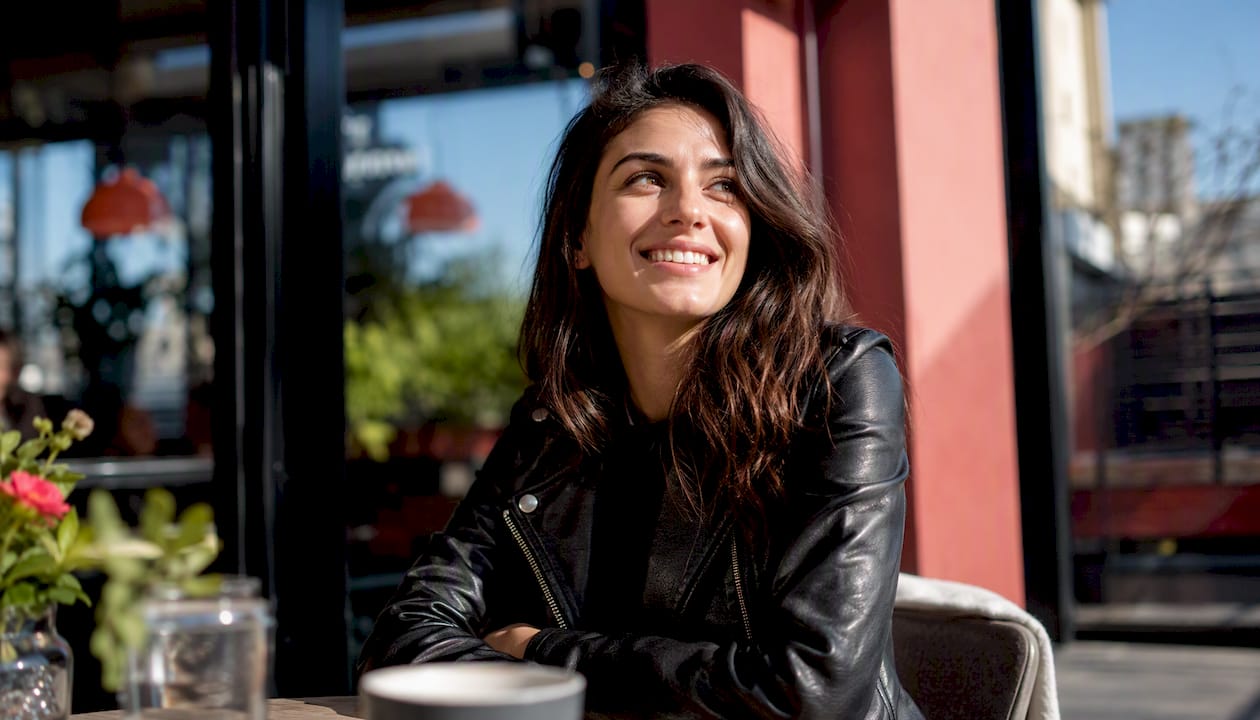
Upload your source photos to the tool of your choice. Popular options available in the UK include Lensa (known for its artistic "Magic Avatars" feature), Photo AI (which generates full scenes around your likeness), and Remini (strong on portrait sharpening and clarity). Each has a different strength: Lensa leans stylised, Remini leans realistic, Photo AI sits somewhere between. For dating profiles, realism wins. Choose the most natural-looking output setting available, and always generate more images than you need so you can select the best.
When selecting scenes and clothing, keep it plausible. A photo of you in a coffee shop, at a park, or in a clean indoor setting reads as real. A photo of you on a yacht you have never been near does not. Clothing should match what you would actually wear on a first date.
Pro Tip: After generating your images, run a reverse image search on the output. If the tool has used a stock background that appears elsewhere online, swap it for a different scene. Matches who spot a recycled background lose trust fast.
Preserving recognisability
The biggest practical risk with AI dating photos is the "uncanny valley" problem: the image looks like a slightly better-looking stranger rather than you. To avoid this, compare the AI output against your source photos side by side. Your jawline, eye colour, and any distinctive features should be consistent. If the tool has smoothed your face to the point where you look like a different person, dial back the enhancement settings or try a different output.
eHarmony's guidance on dating profile pictures recommends keeping photos recent and representative, which applies equally to AI-generated images. A photo that looks like you five years ago, or you with a different nose, is a liability, not an asset.
What does a strong six-photo dating profile look like?
SwipeStats' research on dating profile photos identifies six specific shot types that consistently outperform random selections. Here is the exact lineup, with guidance on where AI editing genuinely helps.
-
Lead photo: close-up face, direct eye contact. This is your most important slot. Natural light, a genuine smile, nothing obscuring your face. British GQ's dating app photo experts are clear: no sunglasses, no hats, no group shots here. AI can sharpen this photo and improve the lighting, but should not alter your facial structure.
-
Full-body shot. Shows your height, build, and personal style. Taken outdoors in good light if possible. AI can clean up a distracting background or improve exposure, but keep the proportions accurate.
-
Activity photo. You doing something you genuinely enjoy — hiking, cooking, playing an instrument. This gives matches a conversation starter and signals personality. AI is less useful here; authenticity matters more than polish.
-
Social proof shot. One group photo, ideally with two or three friends, showing you are sociable and have people in your life. Never use this as your lead image. AI can improve the overall lighting, but do not remove or alter other people in the photo.
-
Pet photo (if applicable). Consistently one of the highest-engagement photo types. If you have a dog, cat, or any animal you spend time with, include it. AI enhancement is rarely needed here — natural, candid shots perform best.
-
Date-preview photo. You in a setting where a date could plausibly happen: a nice bar, a restaurant, a gallery. Smart-casual clothing, relaxed expression. This slot signals that you are someone worth meeting in person. AI can improve the ambience and lighting of this shot effectively.
A short word on authenticity: the purpose of this lineup is to show who you actually are across different contexts, not to construct a fictional version of yourself. When someone meets you for the first time, they will compare the real you to your photos within about three seconds. Enhancement is fine. Reinvention damages trust before the conversation has started.
Ethics, platform rules and privacy guidance for UK users
Dating apps have not yet published explicit bans on AI-generated photos, but several enforce rules that catch obvious AI use indirectly. Tinder's photo verification feature flags significant mismatches between a verified selfie and profile photos. Hinge and Bumble both prohibit misleading or deceptive content in their community guidelines. An AI photo that looks nothing like you is, by most reasonable readings, deceptive content.
The practical enforcement point is face-match verification. If a platform asks you to take a live selfie and your AI photos look substantially different, your account can be flagged or removed.
UK privacy considerations
When you upload photos to an AI generation tool, you are handing over biometric data. Under the UK GDPR, facial images are classified as special-category data, which means the company processing them must have a lawful basis for doing so and must be transparent about how long they keep your images and whether they use them to train their models.
Before uploading to any tool, check three things: whether the company stores your photos after processing, whether it uses your images to train its AI, and whether it is subject to UK or EU data protection law. Many consumer AI tools are based in the US and their data practices vary widely. Some explicitly state they train on uploaded images; others do not address it at all.
Pro Tip: Always read the privacy policy before uploading. Look specifically for the phrases "training data", "model improvement", and "data retention". If those sections are vague or absent, treat the tool as high-risk for your biometric data.
Keep your original, unedited photos. If a platform ever asks you to verify your identity or if you need to prove the AI images are based on real photos of you, originals are your evidence.
One final warning: if your AI photos look significantly better than you do in person, the first date becomes awkward before it has started. The mismatch erodes trust immediately, and that is very hard to recover from.
How can you tell if a dating profile photo is AI-generated?
Spotting AI photos is getting harder, but several tells remain consistent.
Visual red flags to look for:
- Skin that looks unnaturally smooth, with no visible pores, lines, or texture variation
- Hands or fingers that look slightly wrong — extra joints, merged fingers, or an odd number of digits
- Jewellery that blurs into the skin or has inconsistent detail
- Background elements that repeat or blur in an unnatural way (identical leaves, symmetrical brickwork)
- Lighting that falls perfectly on the face but does not match the background environment
- Hair that looks slightly too uniform or blends oddly at the edges
- Eyes that are very slightly asymmetrical in an uncanny way, or that have an unusual reflective quality
Practical verification steps:
- Run the photo through a reverse image search using Google Images or TinEye. AI-generated images will not appear elsewhere, but stock backgrounds sometimes will.
- Check the file metadata if you can access it. AI-generated images often lack the EXIF data (camera model, GPS location, timestamp) that a real phone photo carries.
- Ask a simple contextual question in chat: "Where was that photo taken?" or "What were you doing that day?" Someone with a real photo can usually answer immediately. Someone using a fabricated image often cannot.
These questions work best when they are genuinely curious rather than accusatory. "That looks like a great spot — where is it?" is a natural conversation opener that also happens to be a soft authenticity check.
How to A/B test AI photos and measure whether they helped
The only way to know whether your new photos are actually working is to test them properly. Here is a simple plan.
The test structure: Start with your current photos as the control. Swap in one or two AI-enhanced images, keeping everything else (bio, prompts, location settings) identical. Run each version for at least two weeks before drawing conclusions. Shorter windows are too noisy — algorithm fluctuations and weekly usage patterns will distort the data.
What to measure: Track four things for each period.
| Metric | What it tells you | How to track it |
|---|---|---|
| Match rate (matches per right-swipe) | Whether your photos are converting interest | Note daily matches and swipes in a simple spreadsheet |
| Message rate (matches who message first) | Whether your photos attract engaged matches | Count inbound first messages per week |
| Conversation quality | Whether matches feel genuine and interested | Subjective, but note how many conversations lead to a date |
| Profile views (where available) | Whether the algorithm is showing your profile | Check in-app analytics if the platform provides them |
Expected timeline: Four weeks gives you something reliable. If your match rate improves by more than 20% and holds across the full four weeks, the change is likely real. A spike in week one that fades by week three is almost certainly an algorithm novelty effect, not a photo improvement.
Common pitfalls: Changing your bio at the same time as your photos makes it impossible to know which change drove the result. Resetting your profile (deleting and recreating) gives a temporary boost that has nothing to do with photo quality. And comparing a Monday-to-Sunday window against a Friday-to-Thursday window will produce misleading numbers, since weekend usage on most apps is significantly higher.
For a faster baseline, a profile picture tester can tell you which photos score highest before you even run a live test, saving you weeks of guesswork.
Who should be cautious about using AI dating photos?
AI photo tools are not the right move for everyone. Here is an honest look at the situations where they cause more problems than they solve.
Psychological risks:
- If you already feel anxious about your appearance, seeing an AI-enhanced version of yourself can make the gap between your self-image and your real appearance feel wider, not smaller. Mental health professionals note that repeated heavy editing can worsen body image concerns and, in some cases, contribute to body dysmorphic disorder. The DSM provides clinical guidance on this; if editing your photos consistently leaves you feeling worse about yourself, that is a signal worth taking seriously, and speaking to a professional is a reasonable next step.
- Dependency is a real risk. If you start to feel that your real photos are never good enough without AI enhancement, you are building a profile that requires constant maintenance and creates anxiety every time someone wants to meet in person.
Situational risks:
- If your job involves public visibility, journalism, politics, or any role where your face is publicly associated with your name, AI-generated photos carry a reputational risk if they are identified.
- Anyone subject to identity verification requirements (certain financial services roles, legal professionals) should be especially careful about creating images that could be confused with real documentation photos.
Better alternatives if AI is not right for you:
- Hire a photographer for a two-hour session. A good portrait photographer who understands dating profiles will produce natural, flattering images that are genuinely you.
- Ask a friend with a decent phone to take candid shots during a normal day out. Candid photos often outperform posed ones because they look relaxed and real.
- Use an honest photo analysis service to find out which of your existing photos are strongest, before spending money on new ones.
How DoubleMyMatches tests and scores your photos
DoubleMyMatches takes a different approach from AI generation tools. Rather than creating new images, it analyses the photos you already have and tells you exactly which ones to use, in which order, and why.
The scoring looks at three core dimensions: lighting (is your face well-lit and clearly visible?), expression (does your face convey warmth, confidence, and approachability?), and composition (is the framing, background, and crop working in your favour?). Each photo receives an individual score, and the full set is ranked from strongest to weakest so you know precisely which image to put first.
This matters in the context of the UK privacy considerations covered earlier. You get objective, per-photo feedback without handing your facial data to a system that will retain or train on it.
The service also identifies photos that are actively harming your profile — images that score low enough to reduce your overall appeal even when surrounded by stronger shots. Removing a weak photo is often as effective as adding a strong one.
To see how your current photos score, the AI dating photo review gives you instant, honest feedback. For a deeper look at how AI ranking signals work, this guide to how AI ranks dating photos explains the methodology in plain language.
Key takeaways
AI dating photos work best as an enhancement tool, not an identity replacement — and testing is the only way to know whether any change actually improves your results.
| Point | Details |
|---|---|
| Lead photo is everything | Your first image drives the majority of match decisions; prioritise quality here above all else. |
| Enhance, do not fabricate | AI should improve lighting, sharpness, and composition, never alter your face or body beyond recognition. |
| A/B test over four weeks | Run each photo set for at least four weeks to separate real gains from algorithm novelty effects. |
| Check privacy before uploading | Verify that any AI tool you use does not retain or train on your photos under UK GDPR rules. |
| DoubleMyMatches scores what you have | Use DoubleMyMatches to rank your existing photos before spending time or money generating new ones. |
The case for cautious enhancement over reinvention
There is a version of this conversation that treats AI dating photos as a shortcut to a better-looking profile, full stop. We do not think that is the right frame.
The singles who benefit most from AI tools use them to enhance their appearance realistically—improving lighting, background, and expression—similar to professional photography but at lower cost. That is a legitimate use, and the match-rate evidence supports it.
The singles who run into trouble are the ones who use AI to present a version of themselves that does not exist. The first date becomes a correction exercise. Trust evaporates. And the underlying problem, which is usually not about appearance at all but about photo selection and presentation, goes unsolved.
The smarter move is to start with what you have. Find out which photos are actually working, remove the ones that are not, and only then consider whether AI enhancement adds anything. That sequence produces better results and fewer awkward first dates.
Useful sources
-
Best Dating Profile Photos: What the Research Actually Says (LoveCertain) — The clearest summary of platform research on lead photo impact and the features that drive match rates. Start here if you want the evidence base.
-
Best Dating Profile Photos: 6 Shots You Need (SwipeStats) — The source for the six-photo blueprint used throughout this article. Practical and data-informed.
-
Dating Profile Pictures: How to Pick the Right Ones (eHarmony) — Solid practical guidance on photo selection, lighting, and the 4–6 photo sweet spot. Available in the UK.
-
How to Take a Good Dating App Photo, According to Experts (British GQ) — UK-specific expert advice from photographers and dating coaches on framing, clothing, and what to avoid.
-
I Put AI Photos on My Hinge Profile (Mashable) — A first-person experiment showing real results from AI-generated photos on a live dating profile. Read with the confounders section of this article in mind.
- — A short case study with dramatic results. Useful as anecdotal evidence; not a controlled trial.
-
NCBI: Facial Expression and Judgement Literature — The peer-reviewed basis for claims about eye contact, expression, and perceived trustworthiness in profile photos.
-
DSM Resources (American Psychiatric Association) — Relevant if you want to understand the clinical context around body image concerns and when professional support is appropriate.
-
10 Ways Messaging Apps Help Relationships Thrive (Pingher) — Worth reading once you have sorted your photos. Getting matches is step one; keeping the conversation going is step two.