
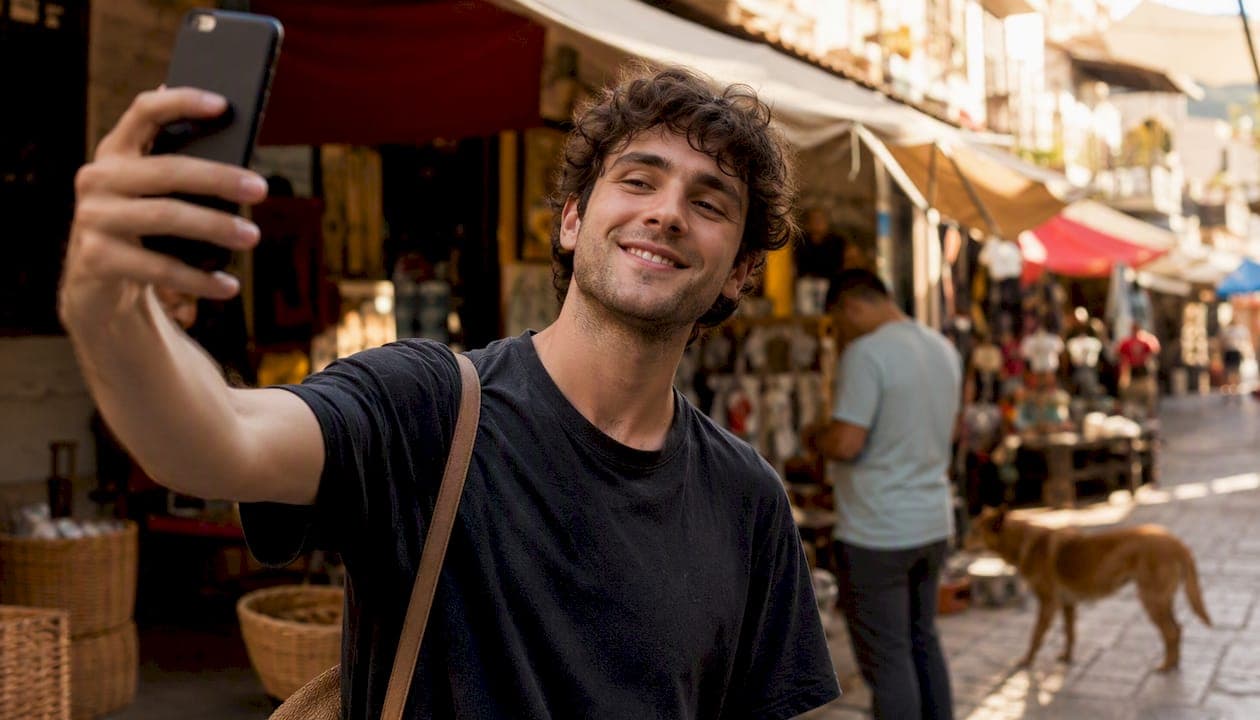
Selfies on Tinder can work — but only when you follow a few clear rules. Use a high-quality, well-lit selfie as a secondary image, complete Tinder's Photo Verification with a video selfie to earn your trust badge, and never rely on a mirror or bathroom shot as your main photo. That is the short answer. Everything below unpacks the evidence behind it.
Quick rules to apply right now:
- Use selfies in positions two through four of your gallery, not as your lead image
- Complete Photo Verification to add a trust badge that safety-conscious matches look for
- Avoid mirror selfies, bathroom shots, and heavy filters as your primary or sole photos
Key takeaways
Selfies on Tinder work best as secondary gallery images in natural light, with Photo Verification completed and mirror or filter-heavy shots removed entirely.
| Point | Details |
|---|---|
| Complete Photo Verification | A video selfie earns a trust badge that safety-conscious matches actively look for. |
| Avoid mirror and bathroom selfies | These read as low effort and consistently underperform contextual or outdoor shots. |
| Shoot in natural light at shoulder height | Soft daylight and a neutral angle produce the most flattering and readable results. |
| Test photos at thumbnail size | Photos that read clearly when small are the strongest predictors of swipe behaviour. |
| Place selfies in secondary slots | Your lead image should be your strongest overall photo, not necessarily a selfie. |
| Use DoubleMyMatches for objective ranking | AI analysis scores your photos and orders them best-to-worst so you know exactly what to upload. |
Table of Contents
- Do selfies on Tinder actually help your match rate?
- How Tinder photo verification works
- Privacy: what Tinder stores and how to remove it
- Which selfie types help and which to avoid
- Step-by-step selfie technique for Tinder
- Where to place selfies in your Tinder gallery
- 30-second selfie checklist before you upload
- What research says about selfie angles and profile types
- Balancing authenticity and optimisation
- When AI photo analysis gives your selfies an edge
- Sources
Do selfies on Tinder actually help your match rate?
The honest answer: it depends entirely on the type and placement. A clean, natural-light selfie showing your face clearly can absolutely help. A bathroom mirror shot with a cluttered background will likely hurt you. The difference is not subtle.
Selfies signal authenticity when done well. They show your face without the ambiguity of a group photo or a distant action shot. The problem is that most selfies uploaded to Tinder are not done well. They are low-effort, poorly lit, and stripped of any context about who you are. That combination reads as low investment to potential matches, and photo selection directly affects swipe rates in ways most users underestimate.
The pros of using selfies:
- Face is clearly visible, which matters for first impressions
- Can be taken and retaken until the shot is right
- Works well for Photo Verification (see below)
The cons:
- Mirror and bathroom selfies carry a stigma of low effort
- Selfies rarely communicate personality, lifestyle, or social proof
- A gallery full of selfies signals that you have no one to take photos of you
The key trade-off: selfies show your looks but rarely show your life. A profile built entirely on selfies tells a potential match very little about who you are beyond your face.
A machine-learning study of 10,680 Tinder images found that profiles relying solely on one genre of photo — including selfies — tend to underperform compared with curated mixes. Deliberate variety wins.
How Tinder photo verification works
Tinder's Photo Verification asks you to record a short video selfie matching a specific pose. The app's automated face-comparison technology then checks that video against your existing profile photos. If they match, you receive a blue verification badge on your profile.
The process takes under two minutes. Here is what happens:
- Open Tinder and go to your profile
- Tap the verification prompt (a shield icon near your photos)
- Follow the on-screen pose instructions and record your video selfie
- Wait for the automated check — usually seconds
- Your badge appears on your profile once confirmed
The badge tells potential matches that your photos are genuine and that you are who you say you are. For many safety-conscious users, an unverified profile is an immediate pass.
Pro Tip: Complete verification before you start swiping in a new city or after a long break from the app. Matches who prioritise safety filter for the badge, and you will appear more credible from the first impression.
You can also cross-reference the regional Photo Verification help page for any wording differences in your area.
Privacy: what Tinder stores and how to remove it
Tinder's published privacy policy describes how the company handles verification media. The policy covers data collection, retention periods, third-party processors, and the controls available to you as a user.
Key points from Tinder's stated practices:
- Verification media (your video selfie) is processed to confirm identity and is not published to your profile
- Tinder uses third-party processors for the face-comparison step
- You can request deletion of your data through Tinder's in-app data controls or by contacting support
To delete your verification data or revoke access:
- Open Tinder and go to Settings
- Scroll to Account and tap Delete Account (full deletion) or use Manage Data if available in your region
- For a data request without deleting your account, go to Settings > Privacy > Download My Data and submit a deletion request
- Contact Tinder support directly at help.tinder.com if the in-app option is not visible
- After deletion or account removal, your verification badge will no longer appear on your profile
One practical note: deleting your verification data means losing the badge. You would need to re-verify if you want it back. Check Tinder's privacy documentation directly for the most current retention timelines, as these can be updated.
Which selfie types help and which to avoid
Not all selfies are equal on Tinder. Here is a clear breakdown of the most common types.
Mirror selfie — Avoid as main image. The cluttered background, visible phone, and bathroom setting all read as low effort. Dating experts consistently flag mirror selfies as one of the most common profile mistakes. If you want a full-length shot, ask someone to take it outdoors.
Bathroom selfie — Avoid entirely. Poor lighting, unflattering angles, and a setting that signals minimal effort. Replace with a shoulder-height outdoor portrait in natural light.
Shirtless selfie — Use sparingly, never as your lead image. One shirtless photo in a natural context (beach, sport) can work. A gym mirror shirtless shot as your main image reads as self-absorbed to many potential matches.
Candid outdoor self-portrait — Use. A selfie taken outside at shoulder height, good light, relaxed expression, and a clean background is one of the strongest selfie types for Tinder. It shows your face clearly and suggests you spend time outdoors.
Selfie with a pet — Use. Pet photos consistently perform well. A selfie with your dog or cat adds warmth and personality without requiring a photographer.
Filter-heavy selfie — Avoid. Heavy filters distort your appearance and undermine the trust that verification is meant to build. Matches who meet you in person will notice the difference.
Pro Tip: Before uploading any selfie, ask yourself: does this photo tell a potential match something about me beyond my face? If the answer is no, consider whether a context photo would serve you better in that slot.
Step-by-step selfie technique for Tinder
Follow these steps and you will produce noticeably better photos for your profile, even with a standard smartphone.
Lighting first. Natural, soft light is your best option. Position yourself facing a window or step outside on an overcast day. Overhead bathroom lighting creates harsh shadows under your eyes and nose. Avoid it entirely for profile photos.
Camera angle. Hold your phone at shoulder height or slightly above eye level. A Frontiers study on Tinder selfies found that men tend to shoot from below and women from above, each linked to different perceived traits. For most people, shoulder height or a slight upward tilt from the camera is the most flattering and neutral choice. Research on facial perception confirms that small angle shifts reliably alter how trustworthy or dominant a face appears.
Framing. A half-length portrait (head to mid-chest) works best as a secondary selfie. Close-ups work for verification-style shots but can feel intense as a main image. Give yourself a little breathing room in the frame.
Expression. A relaxed, subtle smile outperforms both a blank stare and an exaggerated grin. Think of something that genuinely amuses you rather than forcing a pose.
The thumbnail test. Take six variants of the same shot with small adjustments (angle, expression, slight position change). View them at thumbnail size on your phone — roughly the size they appear in Tinder's card view. The photo that reads most clearly at that scale is the one to upload.
Pro Tip: Declutter your background before shooting. A plain wall, a park, or a tidy room all work. A messy bedroom or a cluttered kitchen distracts from your face and signals carelessness.
Where to place selfies in your Tinder gallery
A 4–6 image lineup gives you enough variety without overwhelming viewers. Think of it as a short visual story: your lead image does the heavy lifting, and the rest fill in context.
Your first image should be your strongest photo overall, not necessarily a selfie. It needs to show your face clearly, be well-lit, and communicate something positive about you at a glance. A contextual photo (at an event, outdoors, with friends) often outperforms a selfie in the lead slot because it adds social proof.
Positions two through four are where a high-quality selfie earns its place. A clean candid selfie here reinforces your face from a slightly different angle and can include your verification-style shot if it is flattering.
Smart Photos is Tinder's auto-ordering feature that rotates your images and tracks which one gets the most right-swipes, then promotes it to the front. It is worth enabling, but do not rely on it entirely. Smart Photos optimises for swipe volume, not for the full impression your profile makes. Optimising your photo lineup manually before enabling Smart Photos gives the algorithm better material to work with.
Keep at least two non-selfie photos in your gallery. Group shots, action photos, or candid moments taken by others all add the context that selfies alone cannot provide.
30-second selfie checklist before you upload
Run through this before adding any selfie to your Tinder profile:
- Face clearly visible? No sunglasses, hats, or heavy shadows obscuring your features
- Natural light? No harsh overhead or fluorescent lighting
- Background clean? No cluttered rooms, toilets visible, or distracting objects
- No heavy filters? Light colour correction is fine; face-altering filters are not
- Phone not visible in a mirror? If yes, retake outdoors or with a timer
- Passes the thumbnail test? View at small size — does your face read clearly?
- Verification-ready? If this is your verification shot, does it match your other profile photos?
If a photo fails two or more of these checks, retake it rather than upload it. One strong photo beats three weak ones every time.
What research says about selfie angles and profile types
Academic studies offer some of the most useful, testable guidance on Tinder selfies.
The Frontiers study analysed 557 Tinder selfies and found a clear gender pattern in vertical camera angle: men more frequently shot from below (low angle), and women more frequently shot from above (high angle). Low angles tend to exaggerate perceived height and dominance; high angles soften features and reduce apparent size. Knowing this lets you make a deliberate choice rather than defaulting to habit.
A separate machine-learning analysis of 10,680 Tinder profile images mapped recurring image genres across profiles. "Intimate selfies" appeared most often among women's profiles, while "light selfies," sunglasses shots, and vehicle images were more common among men. Crucially, there was significant overlap between genders, and profiles mixing selfie genres with action or social photos tended to outperform single-genre galleries.
A 2026 analysis of 1,000 Tinder profiles identified nine recurring visual profile types and found that a half-length portrait facing the camera directly is the most common and socially neutral format. Over-stylised or heavily filtered shots underperformed relative to this standard format.
| Finding | Practical rule |
|---|---|
| Men shoot low-angle more often; women shoot high-angle | Choose your angle deliberately based on the trait you want to project |
| Half-length portrait is the most neutral and frequent type | Default to half-length for secondary selfies |
| Intimate selfies dominate women's profiles; light selfies men's | Mix genres to avoid a single-note gallery |
| Standard formats outperform over-stylised shots | Skip heavy filters and unusual crops |
The takeaway from all three studies: applying machine-learning insights to your photo selection is not overthinking it. It is just using the same evidence that researchers have already gathered.
Balancing authenticity and optimisation
There is a version of profile optimisation that tips into performance, where every photo is so calculated that the person in them barely resembles who shows up on a date. That is not what the evidence supports, and it is not what we recommend.
The research points to something more reassuring: the best-performing profiles are not the most polished ones. They are the most readable ones. A half-length portrait in natural light, a genuine expression, a background that is not a distraction. That is not a manufactured version of you. That is just you, presented without the noise.
Where optimisation genuinely helps is in eliminating the photos that actively work against you: the bathroom mirror shot that signals low effort, the filter that makes you look like a different person, the group photo where no one can tell which one you are. Removing those is not inauthenticity. It is editing, the same way you would choose what to wear to a first date.
When AI photo analysis gives your selfies an edge
Getting objective feedback on your Tinder photos is harder than it sounds. Friends are kind. Your own eye is biased. What you need is a ranking that tells you which photos are actually working and which are quietly costing you matches.

DoubleMyMatches analyses your photos using AI trained on the same factors that drive swipe decisions: lighting, expression, composition, and app-specific appeal. You get a best-to-worst ordering, per-photo feedback, and a clear recommendation on which selfies belong in your lineup and which to cut. The analysis is one-time and private. Your photos are assessed and then discarded — they are never published or used to train the model.
For selfies specifically, the tool flags common problems (harsh lighting, visible phone in mirror, heavy filters) and tells you exactly where each photo should sit in your gallery. Upload your current photos, get your AI photo analysis, and you will know within minutes which selfies are helping and which are holding you back.
Sources
These are the primary sources referenced throughout this article. Each one is worth bookmarking if you want to verify any claim or read the original research.
- How Does Photo Verification Work?
- Privacy policy — Tinder
- Presenting Your Best Self(ie): The influence of gender on vertical orientation of selfies on Tinder
- Perceived gendered self-representation on Tinder using machine learning
- Analysis of 1,000 Tinder profiles reveals nine standard pose types
The official Tinder pages are your ground truth for verification steps and privacy rights. The academic sources are peer-reviewed and provide the empirical basis for the angle, genre, and format recommendations in this article.